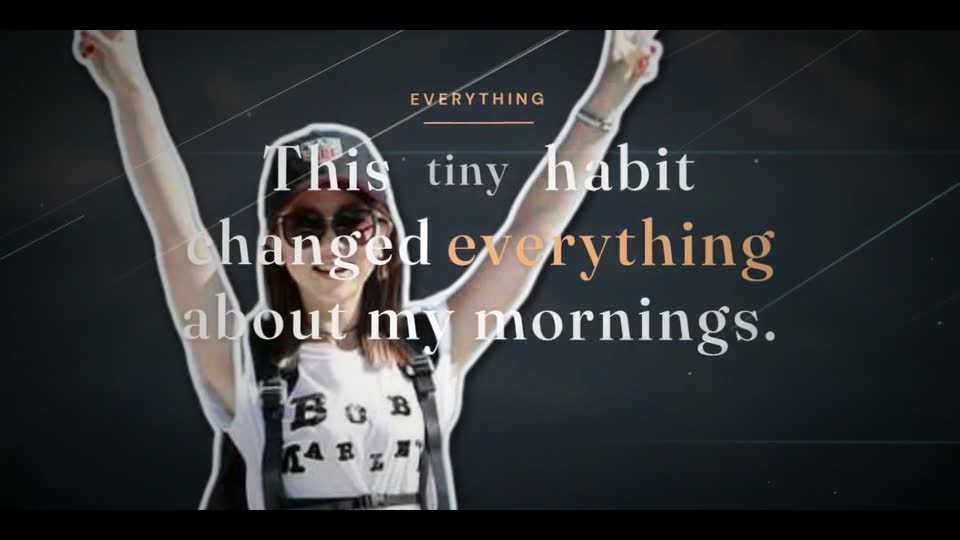
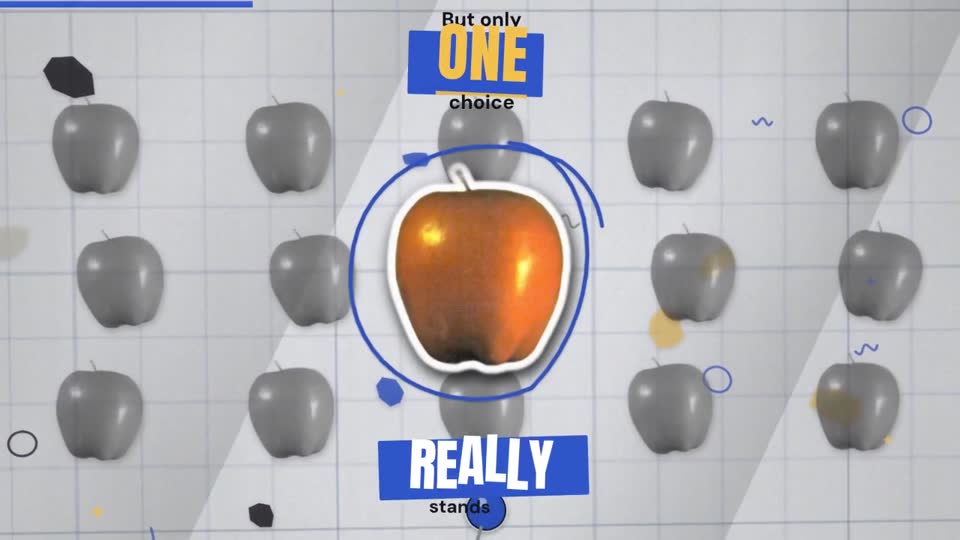
Cinematic
Cinema bars, film grain, titles that pull into focus.
Type one sentence. GenieStudio writes the script, records the narration, finds the pictures, animates every scene and hands you the MP4 — a 30-second Short or a ten-minute story.
One wish, nine styles: every clip here was made from the same sentence by GenieStudio’s 3D motion engine. Short + long videos, cancel any time, 7-day refund window*.
New · the 3D world
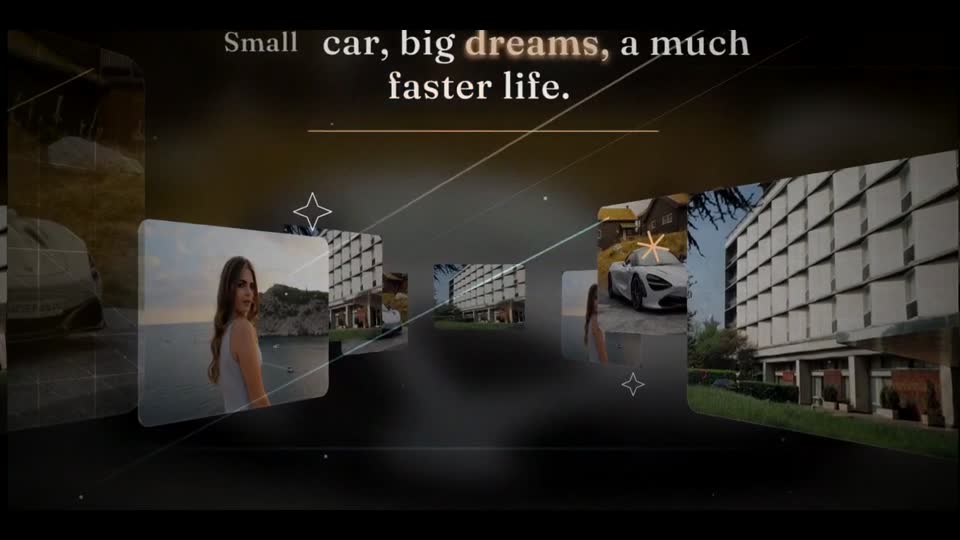
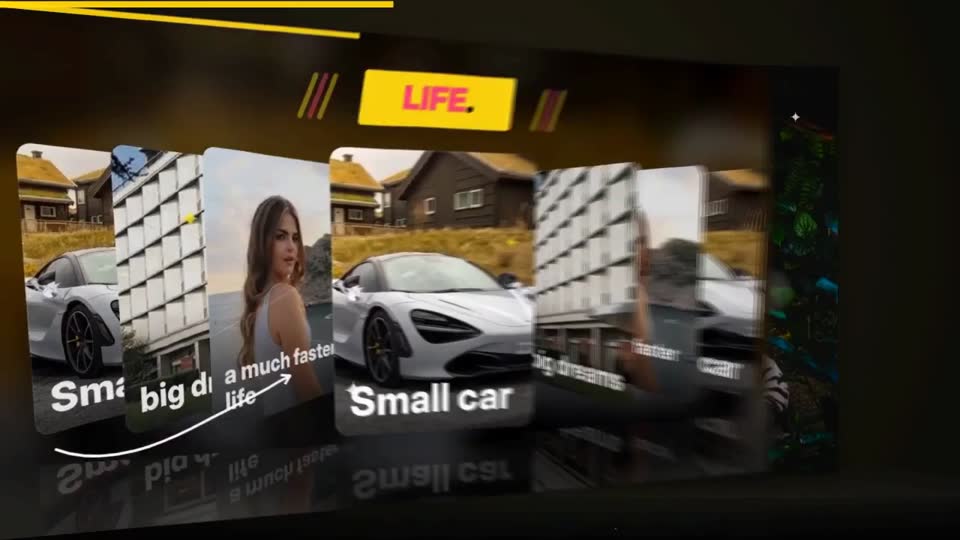
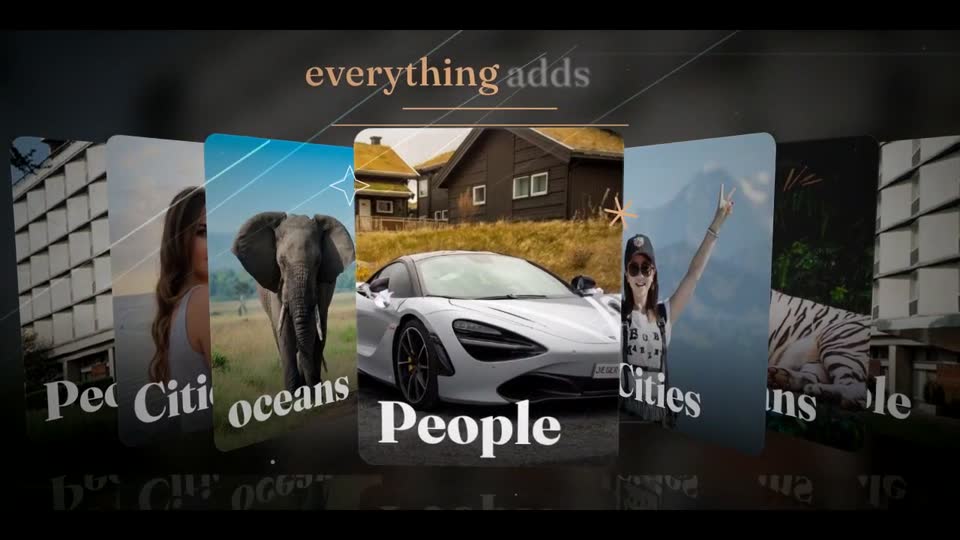
Real perspective, light that falls off as a card turns away, soft shadows, a glossy floor and depth of field — built into our own motion engine and used by every style. No editing on your side.
A sentence, an outline or a detailed brief. Say who it is for and the points that matter.
Pick a style, length, format and voice. Shorts in 9:16, YouTube in 16:9, or square.
Script, narration, visuals, motion design, captions and sound — each stage finishes live on screen.
Watch it in your private library, download the MP4, or make another version with new settings.
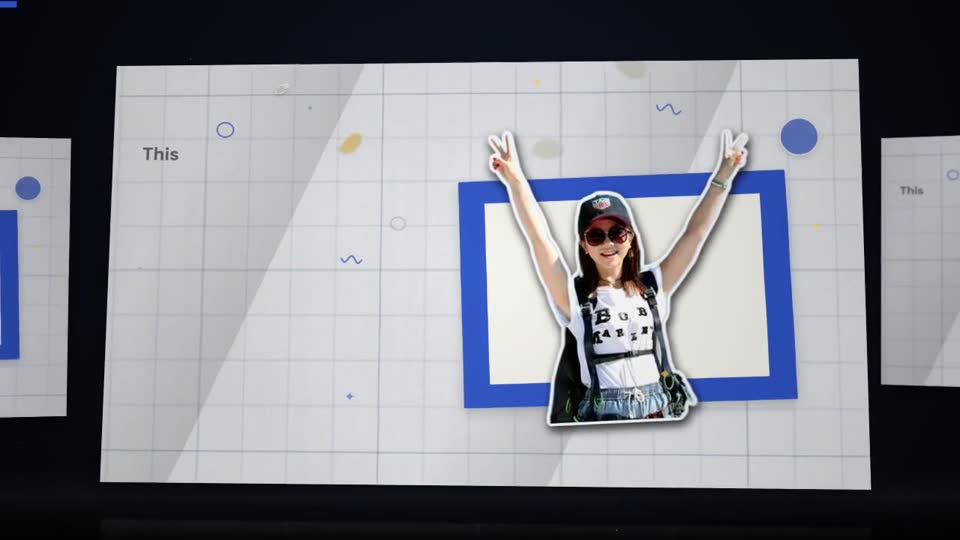
Each style has its own titles, camera, transitions, captions and sound. Pick one in the studio and your video gets the same treatment.
Cinema bars, film grain, titles that pull into focus.
Archive prints, typed labels, a slow lean-in.
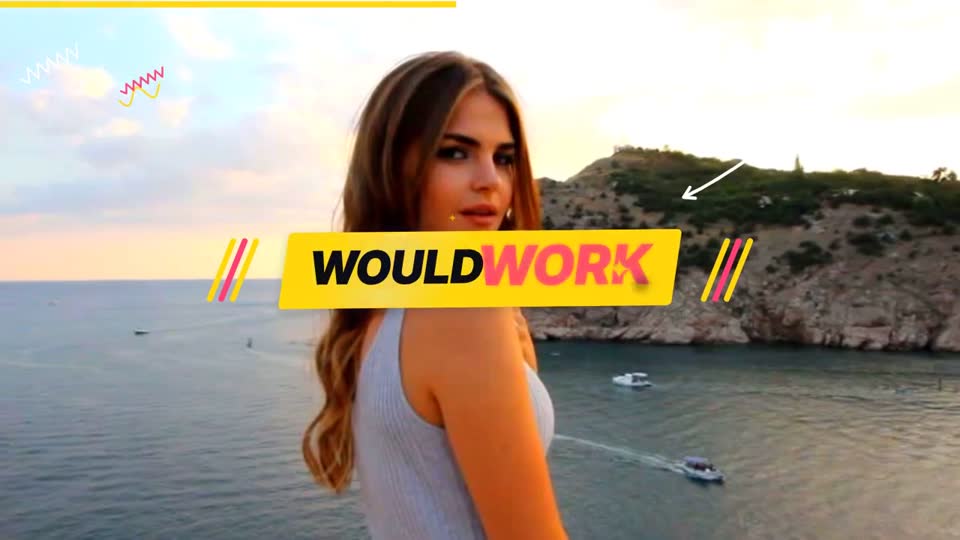
Fast hooks, slam titles, camera hits.
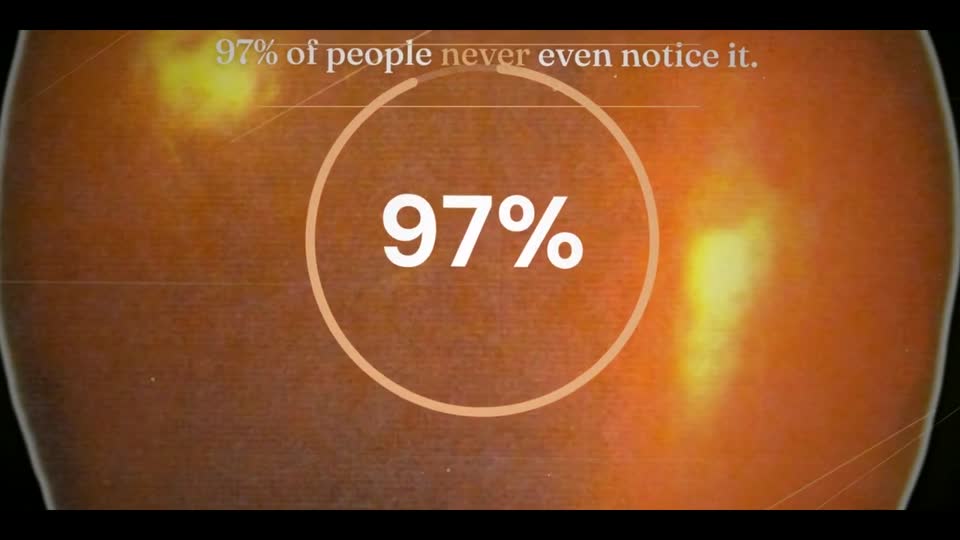
Animated numbers, comparisons and lists.
Bold titles, whip pans, steps that pop.
Glowing titles, pictures racking into focus.
Clean, bright, step-by-step diagrams.
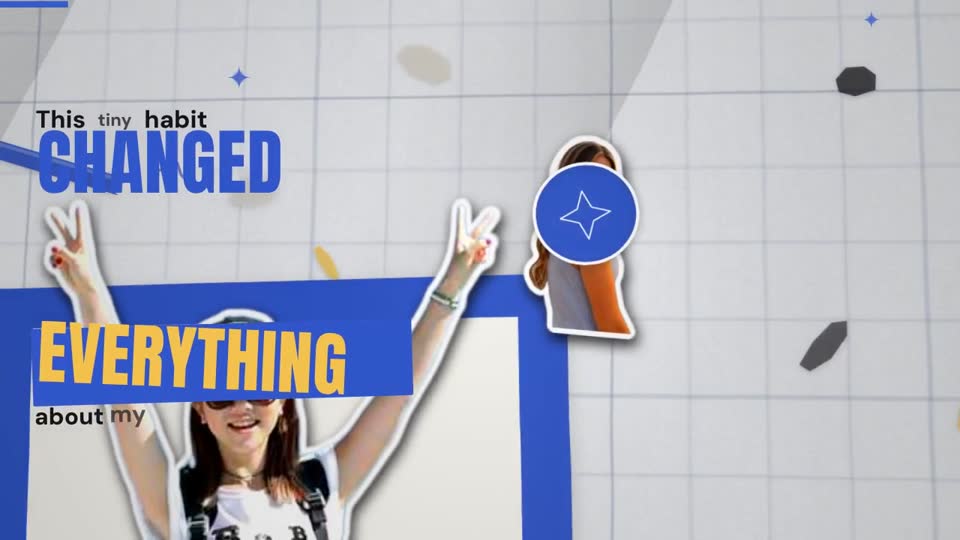
Soft colours, bouncy motion, simple words.
Vertical, word-by-word, made for the feed.
The planner shapes the story around the length you choose. Long videos get chapters, a new layout for every scene and part cards that reset attention, so minute eight feels as alive as second eight.
A 24-scene, almost two-minute test film from the motion engine: watch how every scene gets its own layout, with part cards at scenes 12 and 18.
Stories and explainers without being on camera, in the same voice and style every week.
Turn a lesson outline into a captioned video with chapters. Review the facts before sharing.
Drafts for client explainers and campaigns with consistent settings and downloadable files.
Product ideas, launch stories and updates, made into a video you can review and share.
Your allowance is measured in Standard minutes. Higher visual tiers use more of it. Your account shows the cost before you start.
About 8 Standard minutes a month. Starter fits this estimate.
An estimate using the displayed tier rates: a 2-minute Pro video uses 4.6 Standard minutes. Length limits and quality tiers also depend on your plan.
$25/month
For your first projects.
For regular creators
$100/month
For a regular publishing rhythm.
$250/month
For a larger production schedule.
Prices in USD; taxes and the final amount are shown at checkout. *Displayed plans allow up to 10 minutes per video. A 15-minute project requires a plan that permits that length and enough Standard minutes. See current account plans.
Cancel renewals any time. First-payment refund requests have a 7-day window and usage conditions; read the refund policy.
Need a hand? Talk to us.
An idea and an account with enough Standard minutes. Describe the topic, audience and key points; then choose the duration and style. You do not need to assemble a timeline yourself.
Yes, in the same studio. Choose a short format or a longer story, up to 15 minutes where your plan allows it. Your account displays the lengths you can select; the plans shown here currently permit up to 10 minutes.
They measure your plan allowance. One minute of Standard video uses one Standard minute. The displayed Pro rate is 2.3×, Cinematic is 5× and Ultra is 8.5×; for example, a 2-minute Pro video uses 4.6 Standard minutes. Check your account for current rates before generating.
The studio adds animated titles, lower thirds, camera movement, counters, graphic layers, transitions and sound design that fit the scene and editing style. Treatments vary by story; review the output before publishing. It exports a finished video, not an Adobe After Effects project.
It depends on the length, chosen quality and queue. Progress updates as the work completes. You can leave the page and return to the project in your library; there is no fixed completion-time promise.
Temporary interruptions are retried automatically from saved progress. If the project needs attention, your work stays saved and support can help. You can cancel an unfinished project; its reserved minutes are returned once.
You may publish your output commercially where your input rights, included media licenses and destination platform rules allow it. AI output is not guaranteed to be unique or factually correct. Read the content terms and review the video before publishing.
Your account shows the current selection. Availability and narration quality depend on the voice services enabled for the studio.
In your account at login.geniestudio.us. Choose your settings in the studio, then review and download the completed MP4 from your library.
Check your account for any current welcome allowance or offer. A paid plan is needed when no allowance is available. First-payment refund requests are covered by the refund policy, including its usage conditions.
The billing period, payment methods and final price are shown in your account before payment. Cancel an active subscription from Billing to stop renewals. For plan changes or payment problems, contact support.